CLEAR Connect
Real-time translation
Teacher speech becomes text and audio in each student’s language — 200+ languages — through classroom audio.
Every student should understand every word.
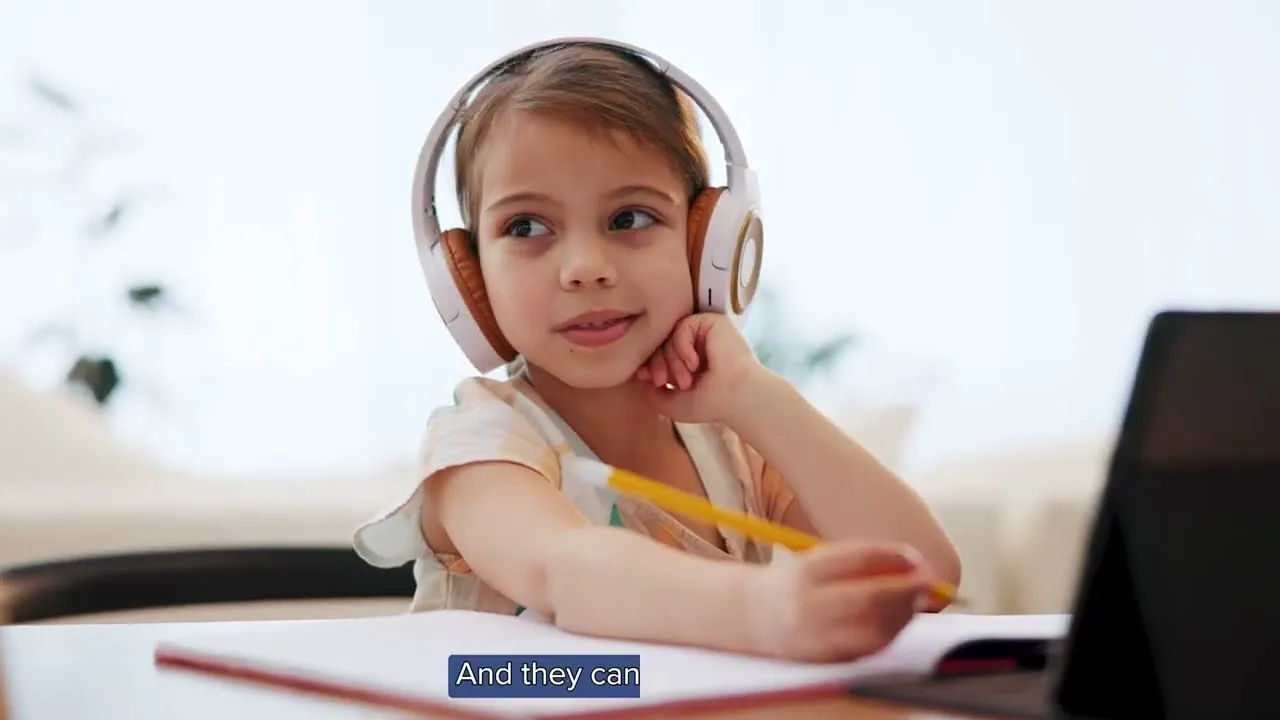
Classroom audio and EPIC carry the teacher’s voice to every seat. CLEAR Connect translates it — live captions and audio in 200+ languages on each student’s device, so newcomers and English learners follow the lesson as it happens.
200+ languagesone session, many at once
Speech → text and audioread, listen, or both
Integrated with classroom audiorunning on EPIC
Each student reads in the language they choose.
Today we’re exploring how plants make food from sunlight.
- ES
Hoy vamos a explorar cómo las plantas producen alimento a partir de la luz del sol.
- VI
Hôm nay chúng ta sẽ tìm hiểu cách cây tạo ra thức ăn từ ánh sáng mặt trời.
- AR
اليوم سنستكشف كيف تصنع النباتات غذاءها من ضوء الشمس.
- ZH
今天我们要探索植物如何利用阳光制造食物。
Text + audio · each student’s own language
The teacher starts a session and picks the language they’ll speak.
200+languages, spoken and written, in real time
- Español
- العربية
- Tiếng Việt
- 中文
- Soomaali
- Kreyòl ayisyen
- Українська
- 한국어
- Tagalog
- Hmoob
- فارسی
- Português
- Русский
- हिन्दी
- Kiswahili
- አማርኛ
- Français
- עברית
- اردو
- 日本語
- नेपाली
- ខ្មែរ
- پښتو
- বাংলা
- ਪੰਜਾਬੀ
- ไทย
- Polski
- Türkçe
- မြန်မာ
- English
Translation starts with hearing clearly.
Captions are only as good as the sound going in. CLEAR Connect is integrated with classroom audio, so the same microphone that carries a teacher’s natural voice to the back row also feeds text and audio to every student’s device — in the language they choose.
- DeviceTeacher micThe teacher speaks in a natural voice into the classroom mic.
- Device + AppClassroom AudioCarries the voice to every seat in the room.
- PlatformEPICThe platform the room, its audio and its apps run on.
- AppCLEAR ConnectTurns speech into text and audio in each student’s language, in real time.
Three steps, start of class to end of lesson.
- Step 01 · Teacher
Start a session and pick your language.
The teacher starts a CLEAR Connect session and chooses the language they’ll speak. The class gets a session ID.
- Step 02 · Students
Join with the session ID.
Each student enters the session ID on their device and picks their native language.
- Step 03 · Everyone
Follow the lesson, live.
As the teacher talks, students get text and audio in their own language in real time.
Hear it — and read it — in your own classroom.
We’ll set up a CLEAR Connect session with your team and show how it runs on EPIC alongside your classroom audio, paging and SAFE.